DELL 服务器 BIOS 设置 CPU 性能模式
温馨提示:开启 CPU 性能模式可能会增加耗电量、设备温度升高、风扇转速加快等情况。
设置步骤
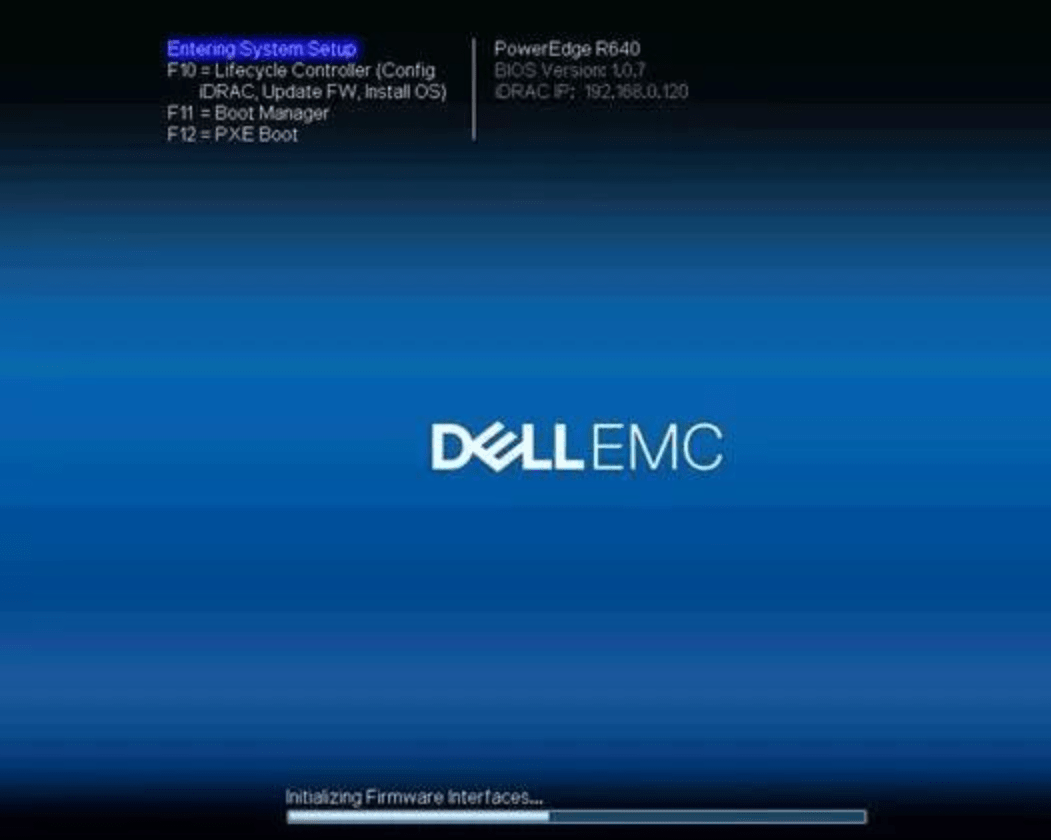
1. 进入 BIOS
开机按 DEL 或 F2 键进入 BIOS。
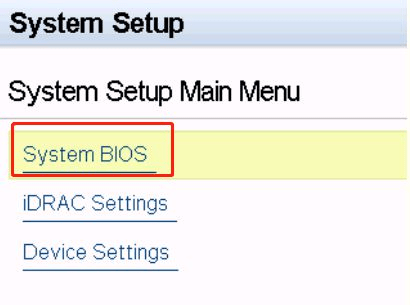
2. 选择 System BIOS
选择 System BIOS。
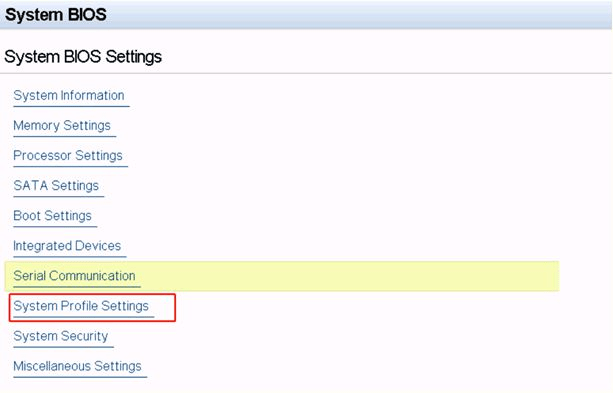
3. 选择 System Profile Settings
选择 System Profile Settings。
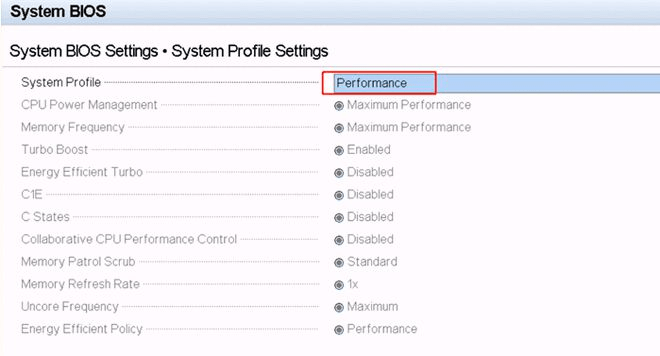
4. 设置为性能模式
在 System Profile 下拉框中选择 Performance。
5. 保存并退出
按下 F10 键或选择 Save Changes and Exit 选项进行保存并退出。